Newsletter Subscribe
Enter your email address below and subscribe to our newsletter

Enter your email address below and subscribe to our newsletter

Stop showing empty, boring listings! As a former agent, I know traditional staging costs a fortune. I tested the top 4 AI interior design tools (like Virtual Staging AI and BoxBrownie) to help you sell homes faster without spending thousands. Here is my honest comparison of which apps actually work.
I spent few years as a real estate agent. I know exactly how it feels to walk into a listing presentation, look at an empty, cold living room, and think, “How am I going to make buyers love this?”
I knew traditional staging could cost few hundred to couple of thousand. But honestly? I never even brought it up. I couldn’t look a seller in the eye and ask them to spend that kind of cash just to rent a sofa for a month.
Eventually, I realized I liked the visual marketing part more than the contract part. So, at that time I switched careers. For a long time, I did virtual staging and 3D visualization for other companies. I took the boring, empty listing photos and make them pop using the latest tech.
I have tested a lot of different AI interior design tools on the market. If you are looking for the best virtual staging software to sell homes faster, here is the truth about which apps actually work.
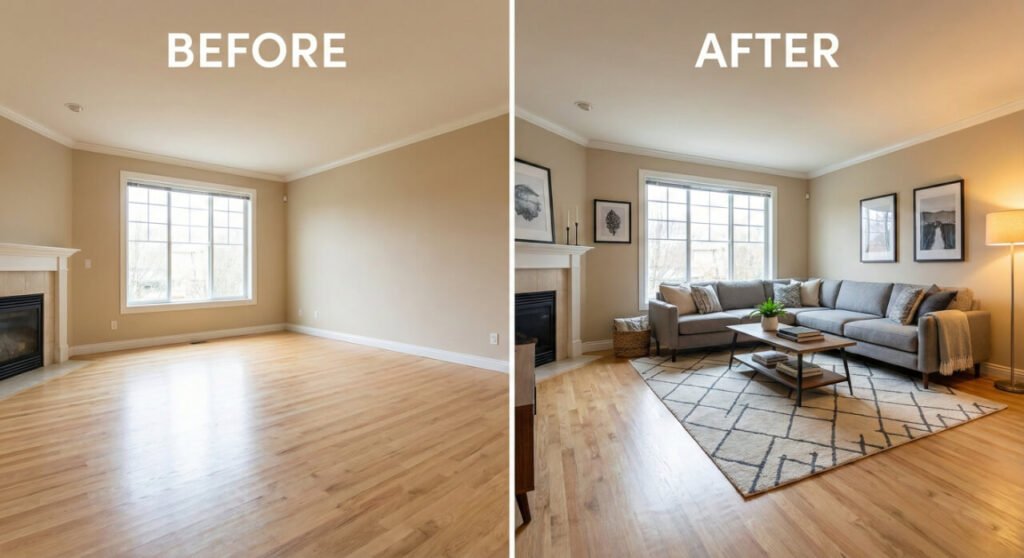
When I was an agent, I dragged distinct chairs around houses to make them look “lived in.” My back hurt.
Now, I use AI home styling tools.
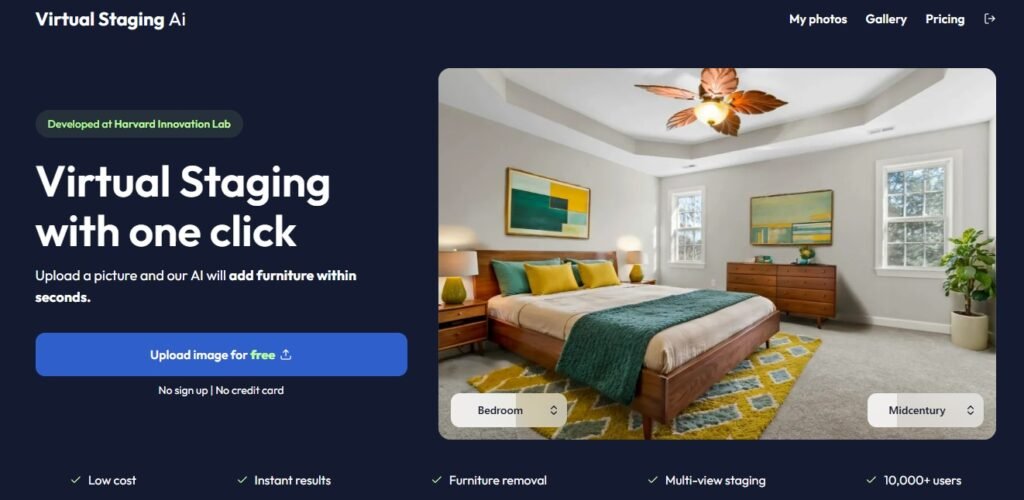
I use this when an agent sends me a photo and needs it back now. It is one of the fastest automated staging tools out there.
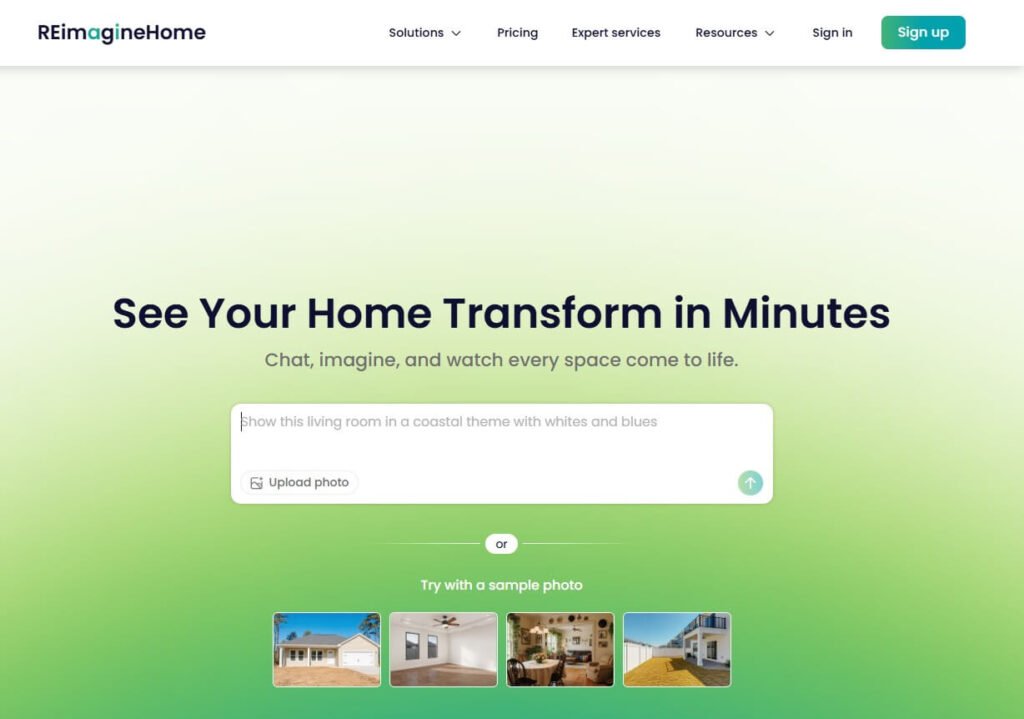
This is my secret weapon for those listings that have “good bones” but terrible finishes. It is a powerhouse for virtual remodeling.
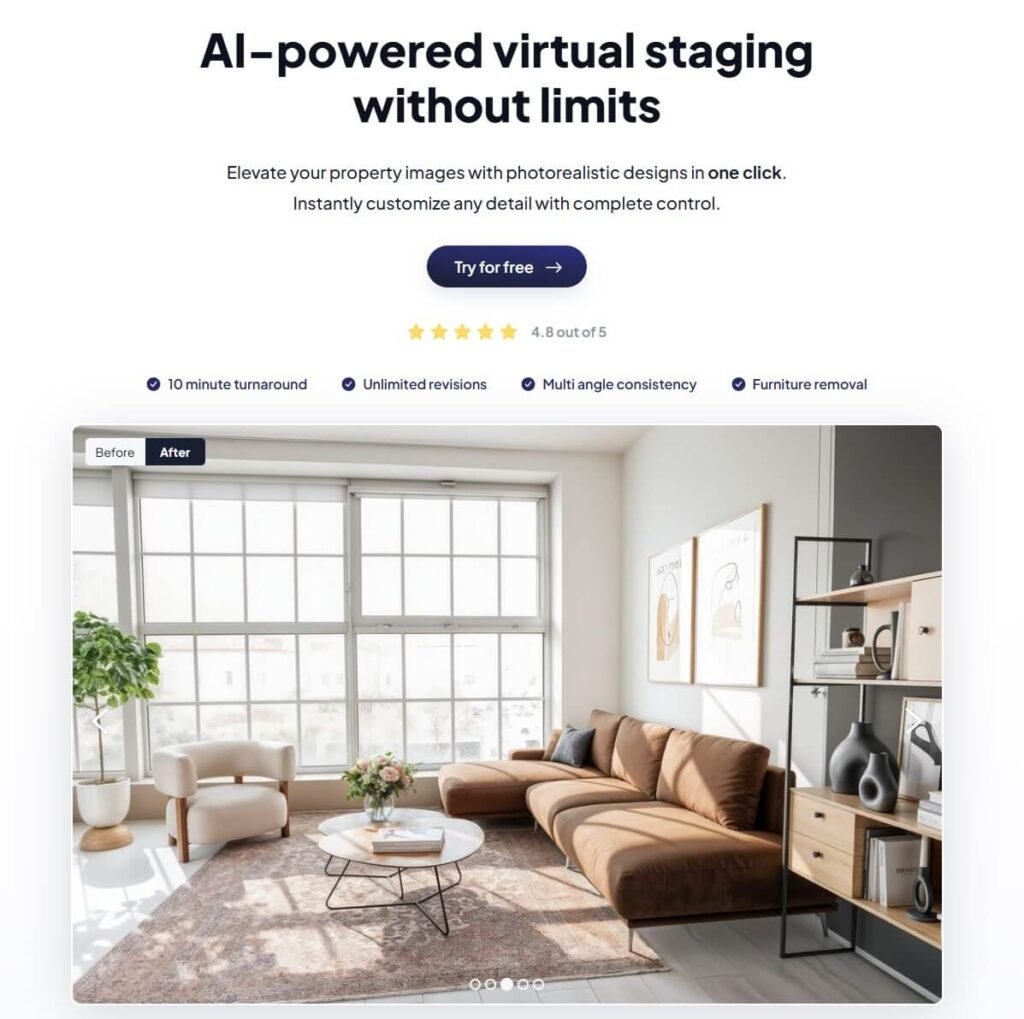
As someone who does this professionally now, I like having control. This tool gives me that. It feels less like a robot and more like a digital interior design studio.
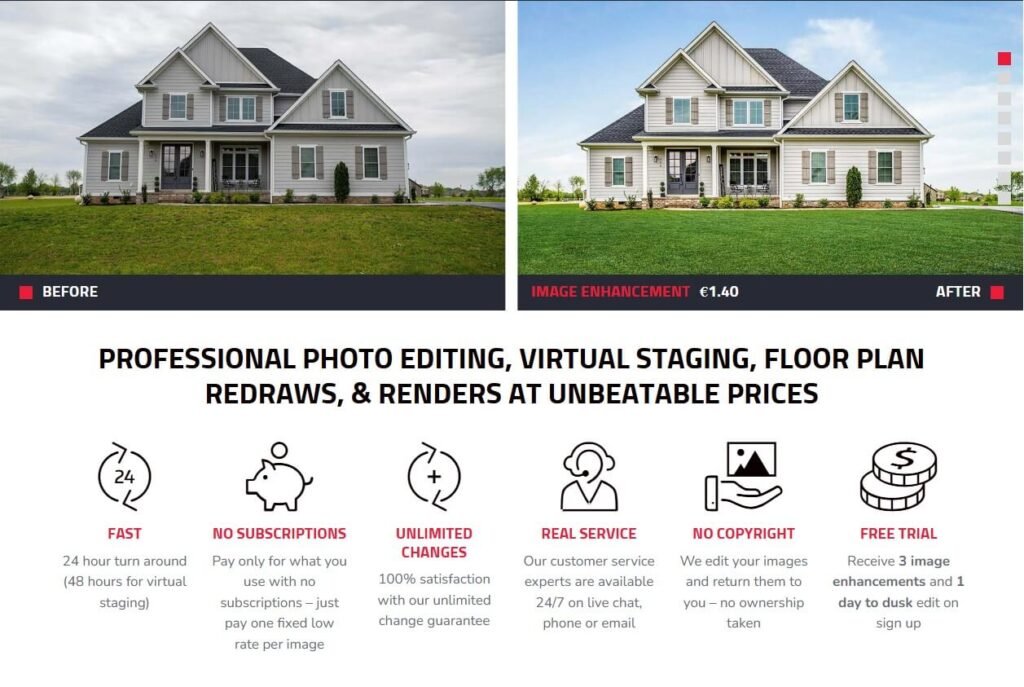
Sometimes, I don’t want to do the work myself. This is the industry standard for luxury real estate marketing.
Here is a breakdown of how I decide which real estate marketing tool to use for my clients:
| Tool Name | Best For… | My Effort Level | Speed |
| Virtual Staging AI | Fast results / High Volume | Low (One click) | Instant |
| REimagineHome | Remodels & Fixers | Medium | Minutes |
| Apply Design | Specific furniture control | High (I control it) | ~20 Mins |
| BoxBrownie | Luxury Quality | Zero (I outsource it) | 24 Hours |
Since I have been on both sides of the deal, I have one big rule regarding real estate photography: Disclosure.
When I edit photos for companies, I always remind them to tell the buyers. Put “Virtually Staged” in the corner of the photo. You want to help buyers use their imagination with 3D rendering, not feel tricked when they walk in the door and see an empty room.
You don’t need to hire a pro to get started. These AI interior design tools are easy enough for anyone to use.
Start with your most difficult listing—the one that isn’t getting any showings. Try running one photo through a free trial of these tools.
The short answer: Not if you disclose it. I always put a small “Virtually Staged” watermark in the corner of the image or mention it clearly in the MLS description. The goal is to show the potential of the home, not to trick buyers into thinking the furniture is included.
According to recent industry data, staged homes sell up to 73% faster than empty ones. In my experience, the biggest benefit isn’t just speed—it’s getting the showing. Buyers scroll past empty rooms online; they click on beautiful, staged rooms. You can’t sell the house if you can’t get them in the door!
You can use an iPhone, but lighting is everything. The AI needs to “see” the depth of the room.
Tip: Turn on every light in the room, open the blinds, and shoot from chest height (not eye level). If the photo is dark or blurry, the AI furniture will look like a cartoon.
Yes! You don’t need to wait for the sellers to move out. Tools like REimagineHome and BoxBrownie have “Object Removal” or “Decluttering” features. They can digitally wipe out the old floral sofa and piles of boxes, leaving you with a clean, modern room.
Real staging usually costs between $500 and $3000 and requires a contract.
AI Apps: Cost roughly $15–$29/month for unlimited photos.
Pro Services: Cost roughly $25–$30 per single image. Even if you use the expensive pro services for 5 photos, you are spending $150 instead of $3,000. It’s a no-brainer.